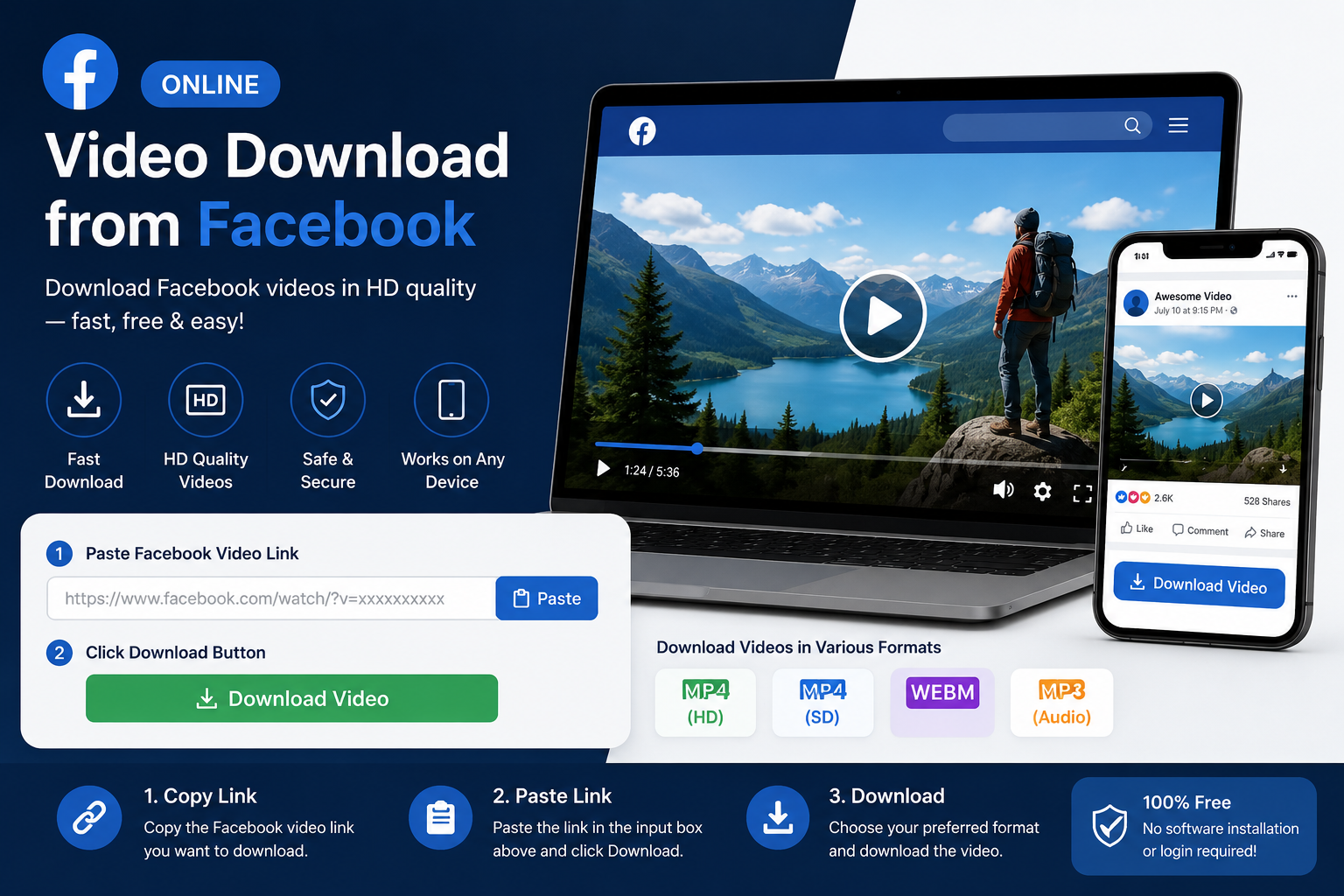

An online video download from Facebook allows you to save videos for offline viewing when you have permission to do so. Whether it’s a video you uploaded, a public video shared by a page, or content you’ve been authorized to keep, there are several ways to download Facebook videos using your computer or mobile device.
Facebook provides built-in download options for some of your own content, while public videos may require browser-based methods or trusted third-party tools. Before downloading any video, always ensure you have the creator’s permission and comply with copyright laws and Facebook’s Terms of Service.
Can You Download Videos from Facebook?
Yes, but the method depends on the type of video.
You can generally download:
- Videos you uploaded yourself
- Your Facebook Live recordings
- Public videos when permitted
- Videos shared with appropriate permissions
Private or restricted videos generally cannot be downloaded unless you have authorization from the owner.
Official Way to Download Your Own Facebook Videos
If you uploaded the video, Facebook provides a built-in download option.
Steps
- Log in to your Facebook account.
- Open your profile.
- Go to your Videos section.
- Select the video you uploaded.
- Choose the Download Video option if available.
- Save the file to your device.
This is the safest and most reliable method because it comes directly from Facebook.
How to Download a Public Facebook Video
For publicly shared videos, you typically need the video’s link.
General process:
- Open the Facebook post.
- Copy the video URL.
- Use a trusted browser-based method or downloader that supports public Facebook videos.
- Select the available quality.
- Save the video to your device.
Always verify that you have permission to download and use the content.
How to Download on Desktop
Desktop browsers often provide the easiest experience.
Steps
- Open Facebook.
- Find the video.
- Copy its link.
- Use an approved browser-based method.
- Download the available video file.
- Save it to your preferred folder.
Most modern browsers support this workflow.
How to Download on Mobile
Android and iPhone users can also save eligible videos.
Typical steps include:
- Open the Facebook app.
- Copy the video’s link.
- Open a compatible browser or trusted downloader.
- Paste the link.
- Choose the desired quality.
- Save the file.
The exact process varies depending on your device and browser.
Features to Look for in an Online Downloader
When choosing an online downloader, consider:
- HTTPS security
- No account required
- No software installation
- HD download support
- Fast processing
- Minimal advertising
- Mobile compatibility
Avoid services that request your Facebook password or unnecessary personal information.
Benefits of Downloading Videos
Saving videos can be useful for:
- Offline viewing
- Educational purposes
- Personal backups
- Presentations
- Travel without internet access
- Archiving your own content
Always respect the rights of the original creator.
Legal and Copyright Considerations
Downloading a Facebook video does not automatically give you the right to reuse or redistribute it.
Keep these guidelines in mind:
- Download only content you own or have permission to save.
- Do not repost copyrighted videos without authorization.
- Respect privacy settings.
- Follow Facebook’s Terms of Service.
- Credit creators when appropriate.
These practices help protect both creators and users.
Common Download Problems
You may encounter issues such as:
Invalid Link
Ensure you’ve copied the complete video URL.
Private Video
Private or friends-only videos generally cannot be downloaded through public tools.
No HD Option
HD downloads are only available if the original upload included a high-resolution version.
Download Fails
Try:
- Refreshing the page
- Updating your browser
- Checking your internet connection
- Trying another supported browser
Safety Tips
Protect yourself while downloading videos.
- Use reputable websites.
- Avoid downloading unknown software.
- Never enter your Facebook password into third-party downloaders.
- Watch for excessive pop-ups.
- Keep your browser updated.
Security should always come before convenience.
Desktop vs. Mobile Downloading
| Feature | Desktop | Mobile |
|---|---|---|
| Ease of Use | Excellent | Good |
| Download Speed | Usually Faster | Depends on Connection |
| File Management | Easier | Device Dependent |
| HD Support | Yes | Yes (if available) |
| Browser Compatibility | Excellent | Good |
Both methods work well when using trusted tools.
Tips for Better Downloads
For the best experience:
- Use a stable internet connection.
- Download the highest available quality.
- Save files in organized folders.
- Check available storage before downloading.
- Verify the video’s source before saving.
These simple habits make managing downloaded videos easier.
Frequently Asked Questions
Is it legal to download Facebook videos?
It is generally acceptable to download videos you own or have permission to save. Downloading copyrighted content without authorization may violate copyright law or Facebook’s policies.
Can I download Facebook videos without installing software?
Yes. Many browser-based methods allow downloads without installing additional applications.
Can I download private Facebook videos?
In most cases, no. Private videos are protected by privacy settings and should only be downloaded with the owner’s permission.
Why can’t I download a video in HD?
HD quality is only available if the original uploader published the video in high resolution.
Is it safe to use online Facebook video downloaders?
It can be, provided you choose reputable services, avoid sharing your Facebook login credentials, and use secure HTTPS websites.
Conclusion
An online video download from Facebook can be a convenient way to save videos for offline viewing, backup your own uploads, or keep content you’ve been given permission to use. The safest approach is to use Facebook’s built-in download option for your own videos whenever possible. If you use third-party browser-based tools for public videos, choose reputable services, protect your personal information, and respect copyright and privacy rules. Following these best practices will help you download videos safely and responsibly.